
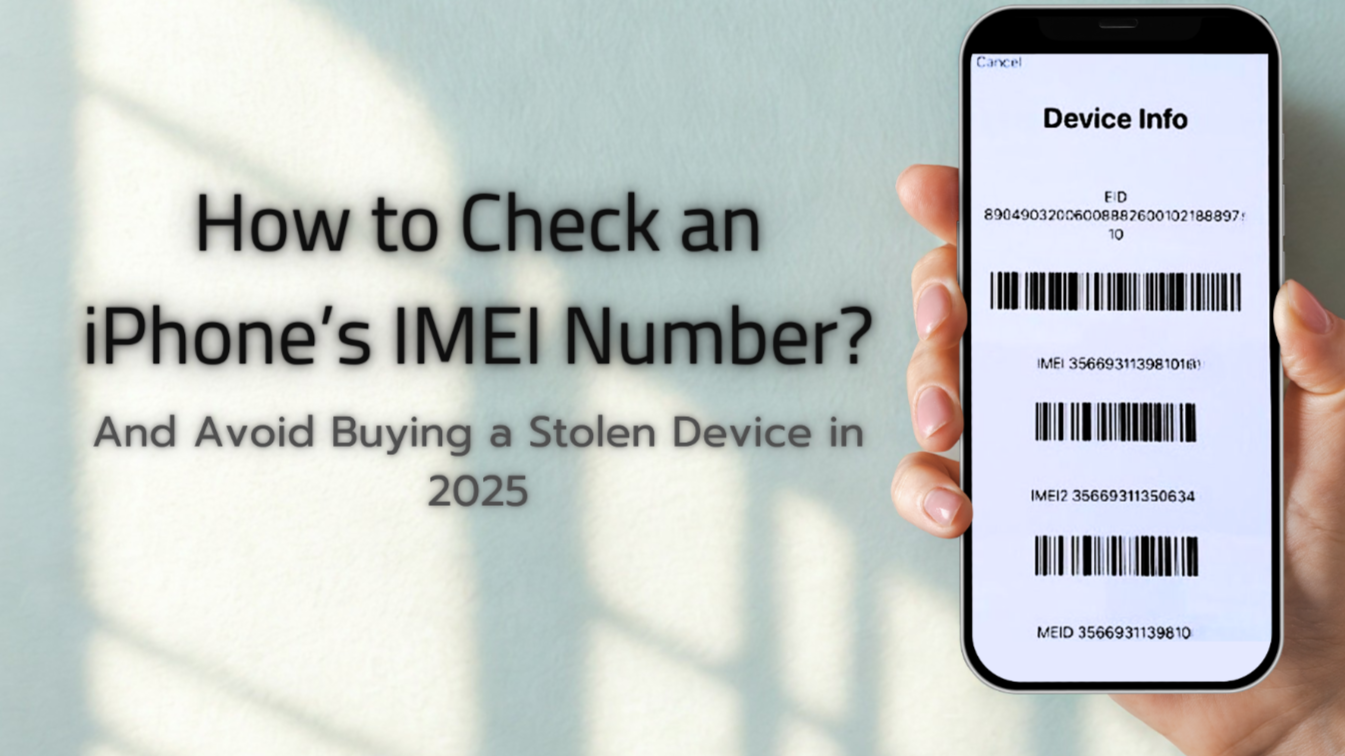
Losing your phone can feel like losing a piece of yourself. Photos, messages, and important stuff suddenly vanish. But there’s a way to find your phone—using its IMEI number. In this guide, you’ll learn simple ways to use the IMEI to try and get your phone back. Let’s dive in and make this as easy as ABC!
What Is an IMEI and Why It Matters
“IMEI” stands for International Mobile Equipment Identity. It’s a unique, 15-digit code all phones have. Think of it like your phone’s fingerprint—no two phones have the same one. You can usually find it by dialing *#06#, checking your phone’s settings, or looking on the box or under the battery. It’s super helpful if you ever lose your phone.
Real Ways to Use IMEI (and What Doesn’t Work)
1. Report the Loss to the Police
If your phone goes missing, tell the police right away and give them the IMEI. In many countries, police can use this to ask your mobile carrier to block the phone from working on any network. That helps stop thieves from using it.
2. Use Find My Device (or Find My iPhone)
For Android, Google’s Find My Device and for iPhones, Find My is your best bet. These services use GPS and internet to show your phone’s location—not the IMEI. Still, they work well, but only if the phone is online.
3. Avoid Third-Party IMEI Tracking Tools
Lots of websites promise to track your phone with just the IMEI. That sounds cool, but it doesn’t work. Many of these sites are scams or grab your personal info. The IMEI alone can’t locate your phone over the internet.
What Experts Say
On Security Stack Exchange, experts explain these IMEI websites don’t actually do anything magical. They need an app on your phone sending its location. Otherwise, they’re just misleading.
Simple Steps to Try If Your Phone Is Lost
1. Find Your IMEI:
- Dial
*#06#or look in phone settings under “About.” - If you don’t have your phone, check the box or paperwork.
2. File a Police Report:
- Report the loss and give them the IMEI. This lets them flag the phone and request a network block.
3. Use Built–in Phone Tracking:
- For Android: Go to Google’s Find My Device.
- For iPhone: Use Apple’s Find My.
If your phone’s online, you may see its location or make it ring.
4. Don’t Rely on IMEI Tracking Websites:
- These don’t work and could risk your privacy or security.
5. Act Fast:
- The quicker you try, the better your chances. Phones can be turned off, disconnected, or reset.
Extra Tips for Keeping Your Phone Safe
- Always enable built-in tracking features on your phone.
- Write down your IMEI and keep it in a safe place.
- Back up your photos and files regularly—you’ll be ready even if the phone is lost.
AQs
Q: Can an IMEI tracker really show my phone on a map?
No. Unless the phone is sending its location through a special app, most IMEI sites can’t do that.
Q: Can I track my phone if it’s off or offline?
No—tracking services need the phone to be online. If it’s off or not connected, even Google or Apple tools can’t locate it.
Q: Should I pay for an IMEI tracker app?
Not unless it’s official (like Find My Device or Find My). Many paid apps offer little more than what the built-in tools already do.
Q: What if I still can’t find my phone?
Keep checking the built-in tools regularly, file a police report, and inform your mobile carrier. Blocking your device with its IMEI prevents misuse.
Losing your phone is stressful, but you have options. Use the IMEI responsibly—report to police and your carrier—but rely on trusted tools like Google Find My Device or Apple Find My. Skip the shady IMEI tracking websites and keep your info safe. Stay calm, act quickly, and you’ll give yourself the best chance to get your phone back.
