
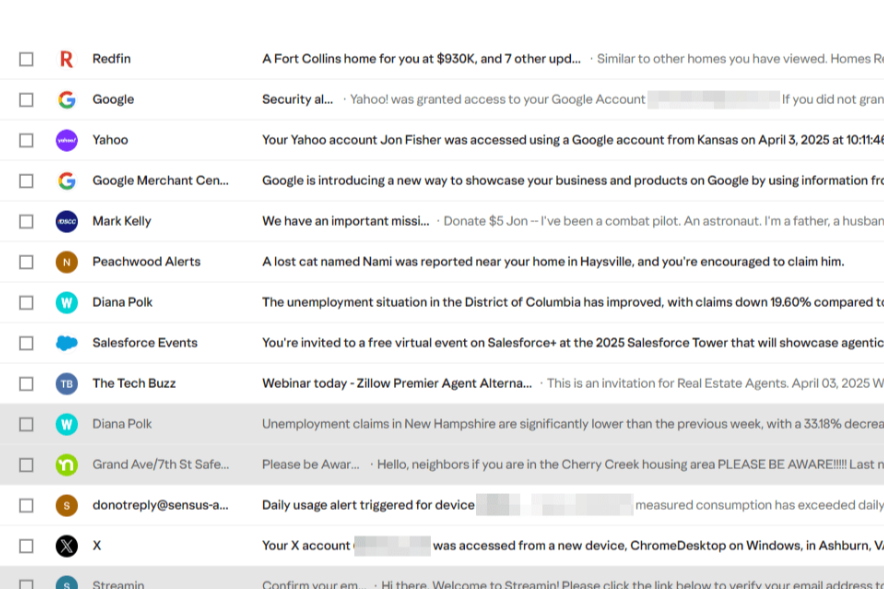
magine you need different email addresses—one for your schoolwork, one for gaming, and one just for fun newsletters. Choosing the right free email service can be like picking the perfect backpack—it needs to fit just right. In this guide, you’ll learn about the top free email accounts, what makes each special, and how to pick what works best for you.
What You’ll Find Here
- Why having multiple emails is smart
- Overview of the most popular free email services
- Key pros and cons explained simply
- Extra topics like storage, privacy, and mobile access
- FAQs answered in plain language
- Real-world examples and analogies
- How to choose the right one
Let’s dive in!
Why It’s Smart to Use More Than One Email
Think of your email like your locker in school:
- You might want one locker for your homework and another just for sports gear.
- Free email services let you do the same—use one email for serious stuff (like school or work) and another just for fun or signing up for game sites.
- It keeps things organized, less confusing, and helps protect your privacy.
Best Free Email Services at a Glance
Here’s a simple list of well-liked free email providers, with clear pros and cons:
Gmail
- Why people love it: Offers 15 GB free storage, backed by Google’s tools like Drive and Docs. Great spam protection.
- Watch out for: Storage counts across Gmail, Google Drive, and Photos—you share one big space.
Yahoo Mail
- Why it stands out: A hopping 1 TB (1,000 GB!) of free storage.
- Downside: Gets cluttered with ads and limited to small attachments (under 25 MB).
Outlook.com (Microsoft)
- Perks: Clean layout, special “Focused Inbox” that sorts important mail, and 15 GB of email space—not linked to OneDrive.
- Heads up: Still has ads and may feel a little slow for some users.
Zoho Mail
- What makes it unique: Lets you create email using your own domain (like ) for free. No ads.
- Limit: Just 5 GB storage and no IMAP/POP access for mobile apps—so mobile notifications may be delayed.
Tuta Mail (Tutanota)
- Best for privacy: Ad-free, encrypted emails, no tracking, and friendly to privacy-minded users.
- Limit: Only 1 GB of storage on free plan.
Proton Mail
- Why it’s notable: Secure and encrypted, focuses on user privacy.
- Downside: Less storage and limited features unless you upgrade.
iCloud Mail (Apple)
- Good for: Apple users. Offers 5 GB free and no ads.
- Note: Storage is shared across mail and other Apple cloud features.
AOL Mail
- Features: Comes with tools like spelling check and easy access to calendar/to-do lists.
- Con: Lots of ads and a cluttered interface.
Digging Deeper: Features You Should Care About
Storage
- Gmail: 15 GB
- Yahoo Mail: 1 TB
- Zoho Mail: 5 GB
- Tuta Mail: 1 GB
Privacy & Ads
- Most free email accounts show ads or use your data—but Tuta Mail and Proton Mail don’t.
Mobile Access (IMAP/POP)
- Gmail and Outlook support IMAP/POP syncing.
- Zoho limits access on mobile apps.
- Tuta and Proton have restrictions.
Domain Customization
- Want your own email name like [email protected]? Zoho gives you that for free.
Real-World Example: Choosing the Right One for You
| Your Need | Best Email Service | Why It Fits |
|---|---|---|
| Tons of space for photos/emails | Yahoo Mail | Offers a huge 1 TB—store years of stuff |
| Use tools like Google Docs | Gmail | Works smoothly with other Google apps |
| Want privacy and no ads | Tuta Mail | Encrypted, ad-free, privacy-friendly |
| Want your own domain email | Zoho Mail | Custom email style (like yourname@yourdomain) |
| Use lots of Microsoft tools | Outlook.com | Links with Office and has “Focused Inbox” |
Extra Tips (SEO & Topic Authority)
- Use Inbox Filters: Sort your email with rules or labels to stay organized.
- Use Aliases: Some services let you create extra email names linked to your main account.
- Switching Services: You can move old emails and contacts between accounts.
- Security Steps: Always enable two-factor authentication (2FA) to protect your account.
FAQs – Simple Answers to Common Questions
Q1: Are free emails really free?
Yes—but “free” often means ads or less privacy unless you choose encrypted services like Tuta.
Q2: Can I use email on my phone?
Absolutely! Most let you use mobile apps or sync with other apps like Gmail or Outlook.
Q3: Which one is the safest?
Tuta Mail and Proton Mail are the safest—they encrypt your messages and don’t show ads.
Q4: Can I change email providers later?
Yes! You can import your old emails and contacts—though how easy it is depends on the provider.
Q5: Can I avoid spam and clutter?
Yes. Use filters, unsubscribe from junk, and clean up regularly.
Choosing the Right Email – The Final Word
Imagine your email is a backpack. You wouldn’t load a heavy backpack for just a quick trip, right? Think about how you’ll use email—do you need lots of space, privacy, or special features? Match the email service to your goals. Use 2-3 different emails if that helps keep things neat.
Action Steps
You’ve learned about the top free email accounts, their perks, and how to pick the right one. Now it’s time for action:
- Write down what matters most to you—space, security, tools, domain name?
- Pick one or two services from this guide. Try them for a week.
- Set up filters, sign up for helpful features, and personalize your settings.
- Stay safe—enable two-factor authentication and avoid shady links.
- Re-evaluate in a month. Email needs change over time—what was perfect today might not fit tomorrow.
Now go make your best email choice—and stay organized, safe, and ready for anything!
