
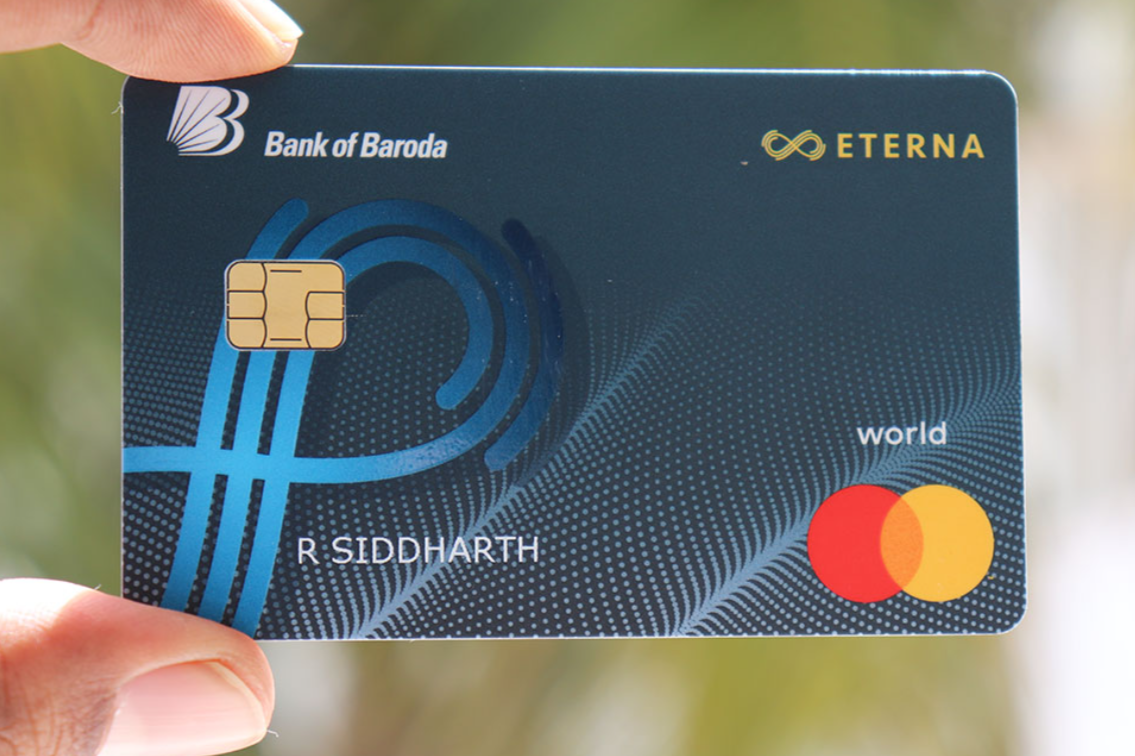
Ever pressed “submit” on your Bank of Baroda (BOB) credit card application and saw the VKYC (Video Know Your Customer) status still stuck on “Pending”? You’re not alone—and this guide will help you check your status, understand why it’s delayed, and give you smart tips to speed things up.
How to Check Your BOB Credit Card VKYC Application Status
- Visit the BOB tracker page: Go to the official Bank of Baroda credit card tracking tool. You can use your Application Number, PAN number, or Mobile Number to check status.
- OR use the BOBCARD mobile app or website: Log in and find the “Track Application” or “Customer Portal” section to see your application updates.
- Look for emails or WhatsApp messages: BOB may send updates about your VKYC status or next steps via email or WhatsApp.
Why Does “VKYC Pending” Happen?
- Slow system updates: The online tracker might update late, so a VKYC shown as “pending” doesn’t always mean something is wrong.
- Physical verification required: If you’re working from home or listed your office address, BOB may send someone to verify in person. As one user shared: “BoB online tracker and WhatsApp updates are extremely slow—don’t rely on it.”
Another added that verification can happen at both your office and home. - Need to upload missing documents: If something is incomplete, BOB might email you from ” asking for more documents—even if you already submitted some.
What You Can Do While Waiting
- Double-check your email and SMS: Respond quickly and upload any requested documents ASAP.
- Prepare for field verification: If someone visits, clearly explain your situation—especially if you’re working from home.
- Be patient—but stay alert: Some users received their card even while updates still said “pending.”
Real User Stories from TechnoFino Forum
- One user was still getting document requests—even after the card had arrived! “I had my card delivered and was still receiving messages for 2 weeks asking me to upload pending documents on WhatsApp!”
- Another shared that sometimes applications are approved without any physical checks. “For me, they did nothing. Not even a single call. Card was received on the 25th day.”
A Simple Example: What’s the Typical VKYC Journey?
- You apply online, fill in personal info, and upload documents.
- You complete Video KYC as instructed.
- Status shows “VKYC Pending” while internal checks happen.
- Verification may be needed—either online or in person.
- After a few days or weeks, once everything clears, you see “Approved,” and your card gets delivered.
FAQ—Common Questions You Might Have
Q: What’s VKYC?
VKYC stands for Video KYC. It’s a quick video call to confirm your identity after your application.
Q: How long does it take?
It varies. Some people get their card in 2–3 weeks—even if the tracker still shows “pending.”
Q: Will someone come to my home or office?
Maybe. It depends on your situation. Many users report in-person verification at either or both places.
Q: What if I’m asked for documents again?
Check your email from BOB, especially from “.” Upload the requested documents quickly to avoid more delays.
Q: Can I track status in the BOBCARD app?
Yes! You can use the app or customer portal to keep tabs on your application and see updates.
Helpful Tips to Stay Ahead
- Keep your document scans clear and ready to upload.
- Respond immediately to any messages from BOB.
- If you’re unsure about verification, reach out to BOB customer support.
- Bookmark your application ID, PAN, and contact info so updates are easy to track.
Your Next Simple Steps
Checking your BOB credit card VKYC status might feel like a waiting game—but with the right steps, you can stay in control. Visit the tracker regularly, answer any doc requests fast, and explain your situation clearly if asked for verification. Before you know it, your status will switch to “Approved,” and your card will be in your hands.
Remember, “VKYC Pending” often just means things are moving—slowly. Stay patient, stay prepared, and good luck!
