
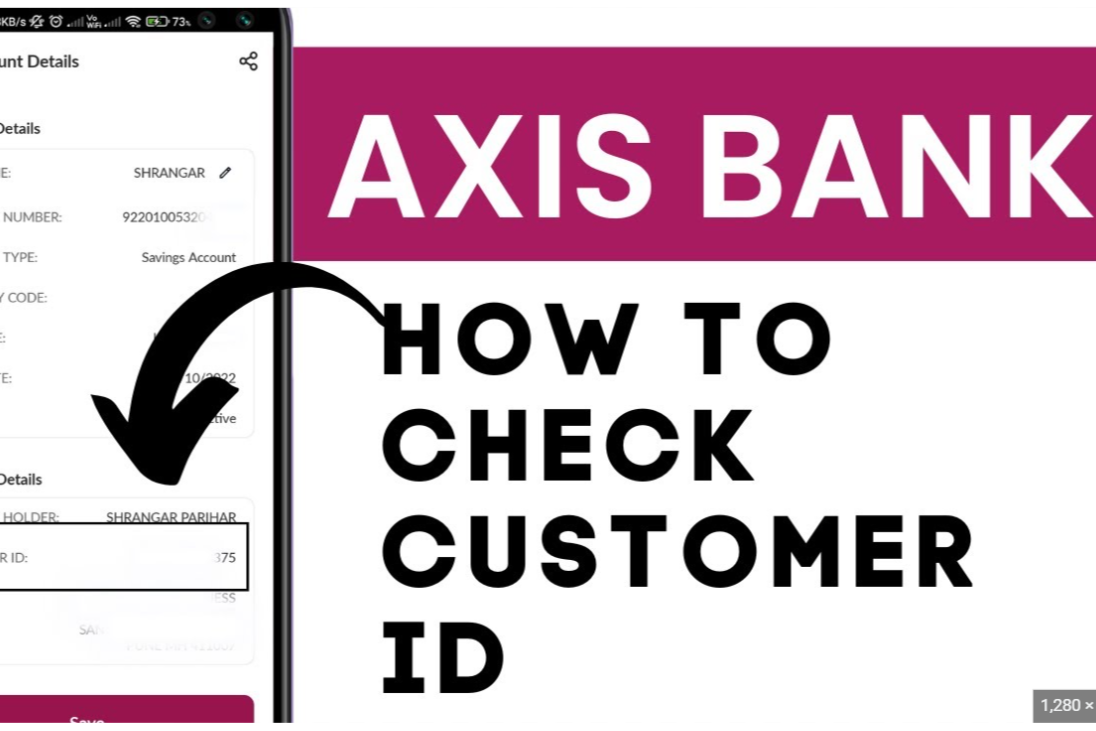
Ever needed your Axis Bank Customer ID but don’t have a bank account? It might sound tricky, but you’re not stuck. You can still find your ID with a credit card or a few smart steps. Let’s show you how in simple, friendly steps.
What Is an Axis Bank Customer ID and Why It’s Important
Your Customer ID is a unique number assigned by Axis Bank to identify you. Even without a savings or checking account, you still have one if you use their services—like a credit card. You’ll need it for:
- Logging into net banking
- Getting help from customer support
- Verifying your identity for bank services
Even without a bank account, your card connects you to the system through this ID.
5 Easy Ways to Find Your Axis Customer ID
- Try the SMS Method
- Send an SMS: type CUSTIDCC XXXX (where “XXXX” are the last four digits of your Axis card) to numbers like 56161600 or 5676782.
- If you don’t get a reply, it could be due to wrong format, system delays, or ineligible card type.
- Call Axis Bank Customer Support
- Use 1860 419 5555 for credit cards or 1860 500 5555 for general queries.
- Give your card number and identity details. They’ll verify you and share your Customer ID by phone or email.
- Use the Axis Bank Mobile App
- Download the official app from Google Play or Apple App Store.
- Log in with your card details.
- Tap your profile or settings—your Customer ID should be displayed there.
- Visit a Branch in Person
- Bring your Axis card and a valid ID (like Aadhar or passport).
- Ask at the help desk for your Customer ID. Bank staff can find it for you, even if you don’t have an account.
- Check Your Documents
- Look through materials you received when you got your card—like the welcome kit or monthly statements.
- Your Customer ID may be printed there. Also, ATM receipts sometimes include it.
Extra Tips & Alternate Routes
- Post on forums or social media: Others may share tips or steps that worked for them when they didn’t have an account.
- Use mobile banking helplines: Axis Bank may have dedicated phone numbers for card-related help.
- Be patient: Sometimes wrong details or technical glitches might slow things down. Double-check info and try different methods.
FAQs for Customers Without an Axis Bank Account
Can I find my Customer ID without an Axis account?
Yes! Your ID is tied to your card—so you don’t need a savings or checking account.
What if I don’t remember my Customer ID?
Check your documents or statements. If not, call customer support for help.
Is access via the app available even without an account?
Yes—you can log in with your card and view your Customer ID in your profile.
Will the ATM receipt include my Customer ID?
Often, yes. Look closely at the details on the receipt after a transaction.
Real-World Example
Imagine you’re a student with an Axis credit card but no bank account. You try SMS, no luck. You call customer care, verify info, and get your ID over email. You’re thrilled—it works! Having that ID means you can now log into net banking or talk to support easily.
Summary Table
| Method | How to Try It | What You Need |
|---|---|---|
| SMS | Text CUSTIDCC XXXX to the listed numbers | Your card’s last 4 digits |
| Phone Call | Call credit card or general support | Card number + ID info |
| Mobile App | Log in and check profile or settings | Axis mobile app |
| Branch Visit | Show card and ID at the bank | Card + official ID |
| Documents/Receipt | Review your kit, statements, or ATM slips | Physical or digital records |
Pick one method and go for it:
- Try SMS first—quick and easy.
- If that fails, call support or check the app.
- As a backup, visit a branch or search your documents.
Be clear when you talk to support, have your info ready, and stay calm. You’ll get that Customer ID soon and be ready for whatever you need next.
